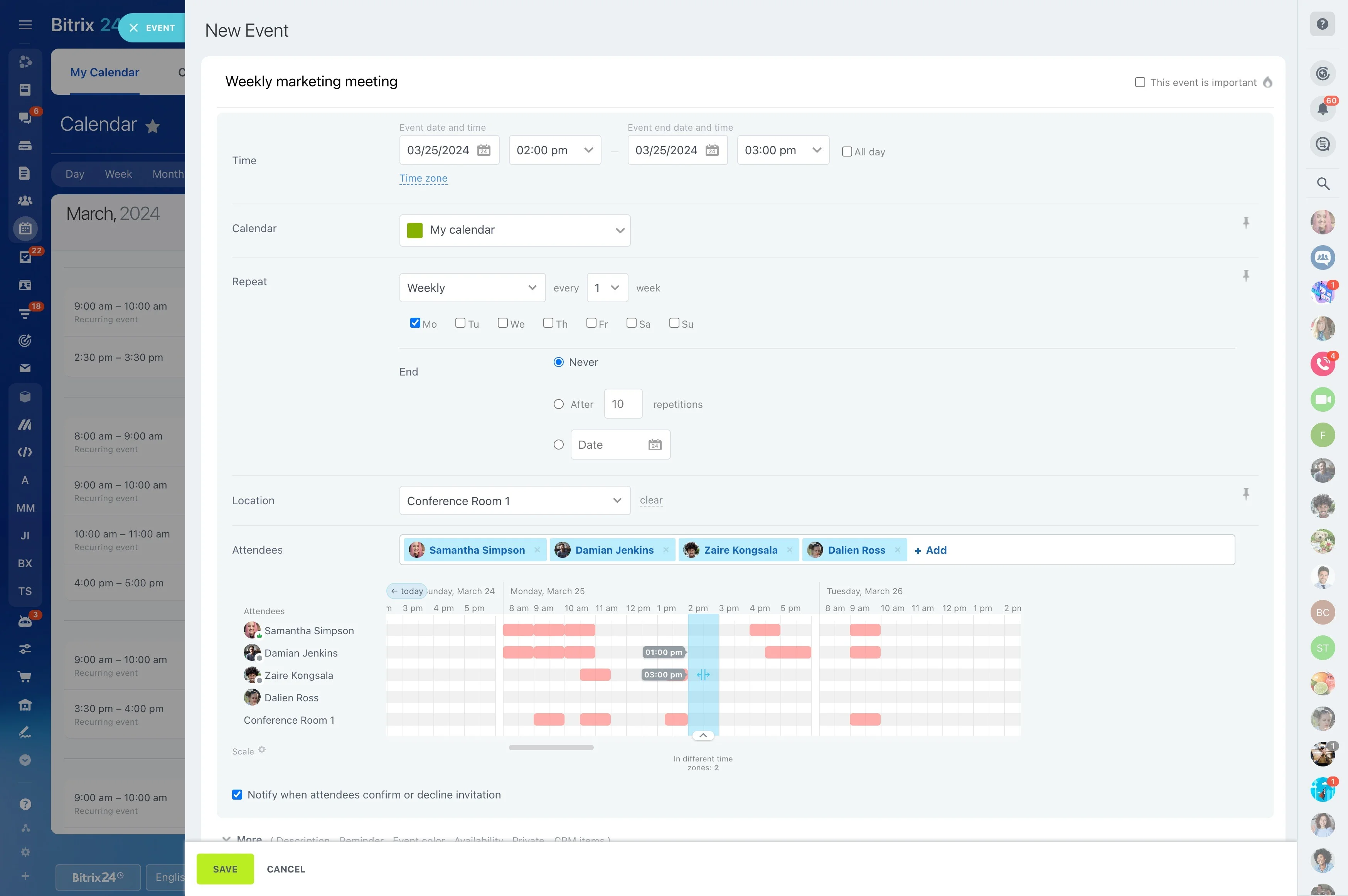
Managing several projects requires more than checking individual task lists. You need a clear view of progress, overdue work, workload, and team performance to decide where attention is needed.
Bitrix24 supports this review with work reports and KPI dashboards that bring key project measures into a consistent view. Managers can examine task efficiency, compare progress, and use BI Builder for deeper analysis instead of recreating every update manually.
Set KPI dashboards around project goals
A focused KPI dashboard keeps the project review tied to a small set of meaningful measures, such as progress, deadlines, workload, or team performance. Selecting indicators around specific management decisions makes the dashboard more useful than a crowded collection of numbers.
Review project progress by the measures that matter
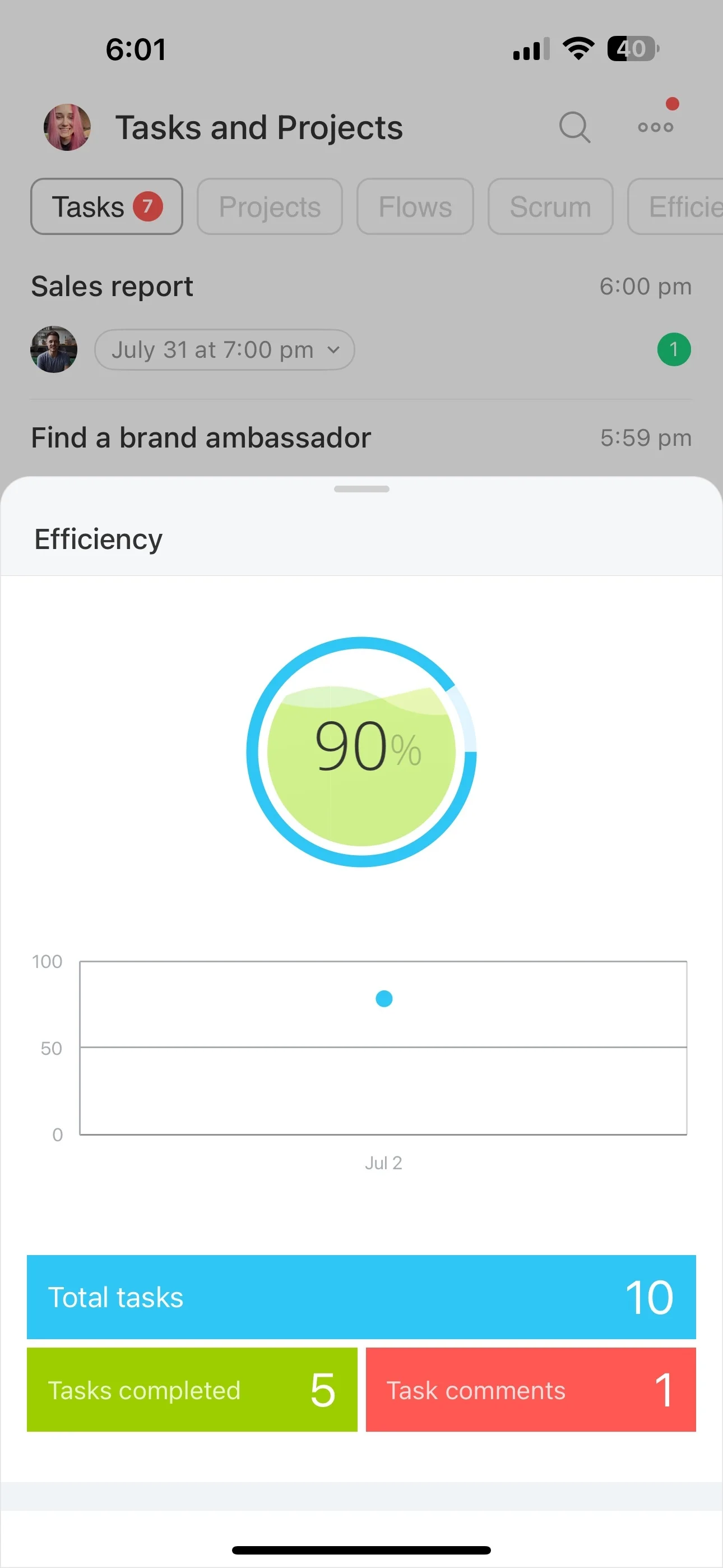
Useful project reports answer practical questions: what is complete, what is delayed, and where is progress slowing? Reviewing work by project, status, deadline, and responsible team member gives managers a clearer basis for action than isolated task updates.
Spot overdue work early
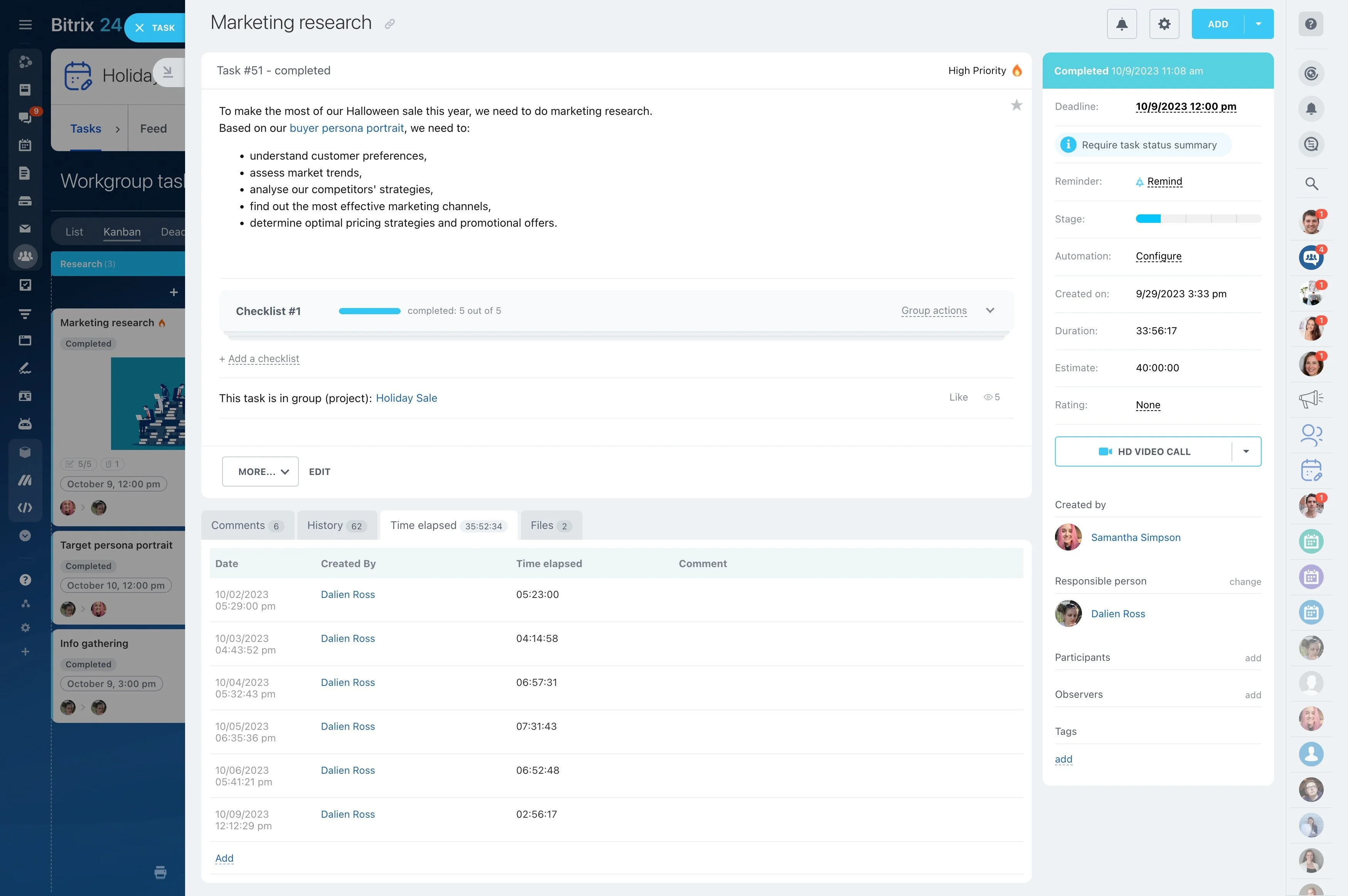
Overdue tasks deserve attention before they affect the next project stage. Review delayed assignments alongside active and completed work to identify recurring bottlenecks, clarify ownership, and reset priorities where necessary.
- Group overdue work by project or assignee.
- Compare open and completed tasks.
- Follow up on items that threaten delivery.
Compare workload with task efficiency
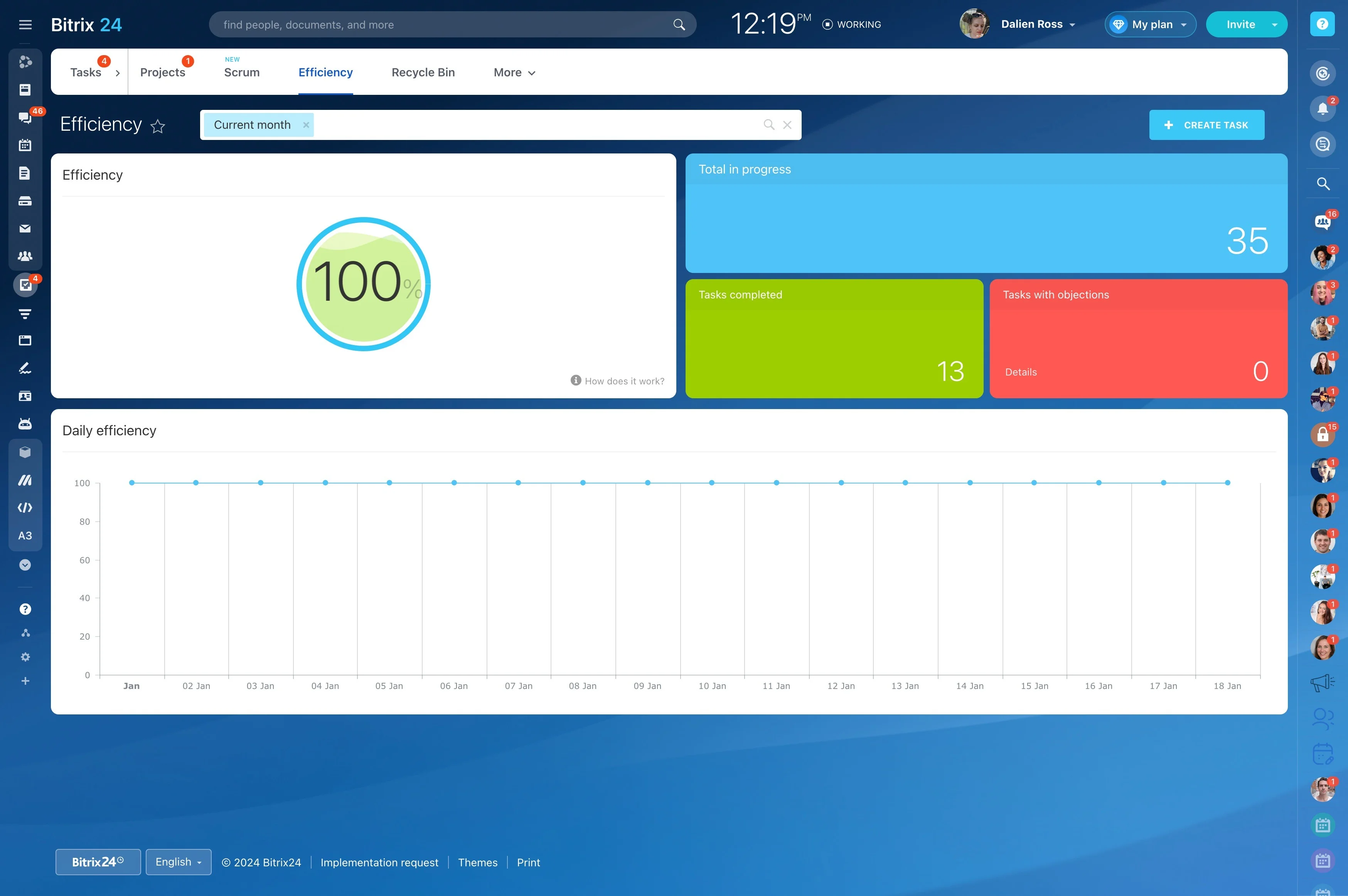
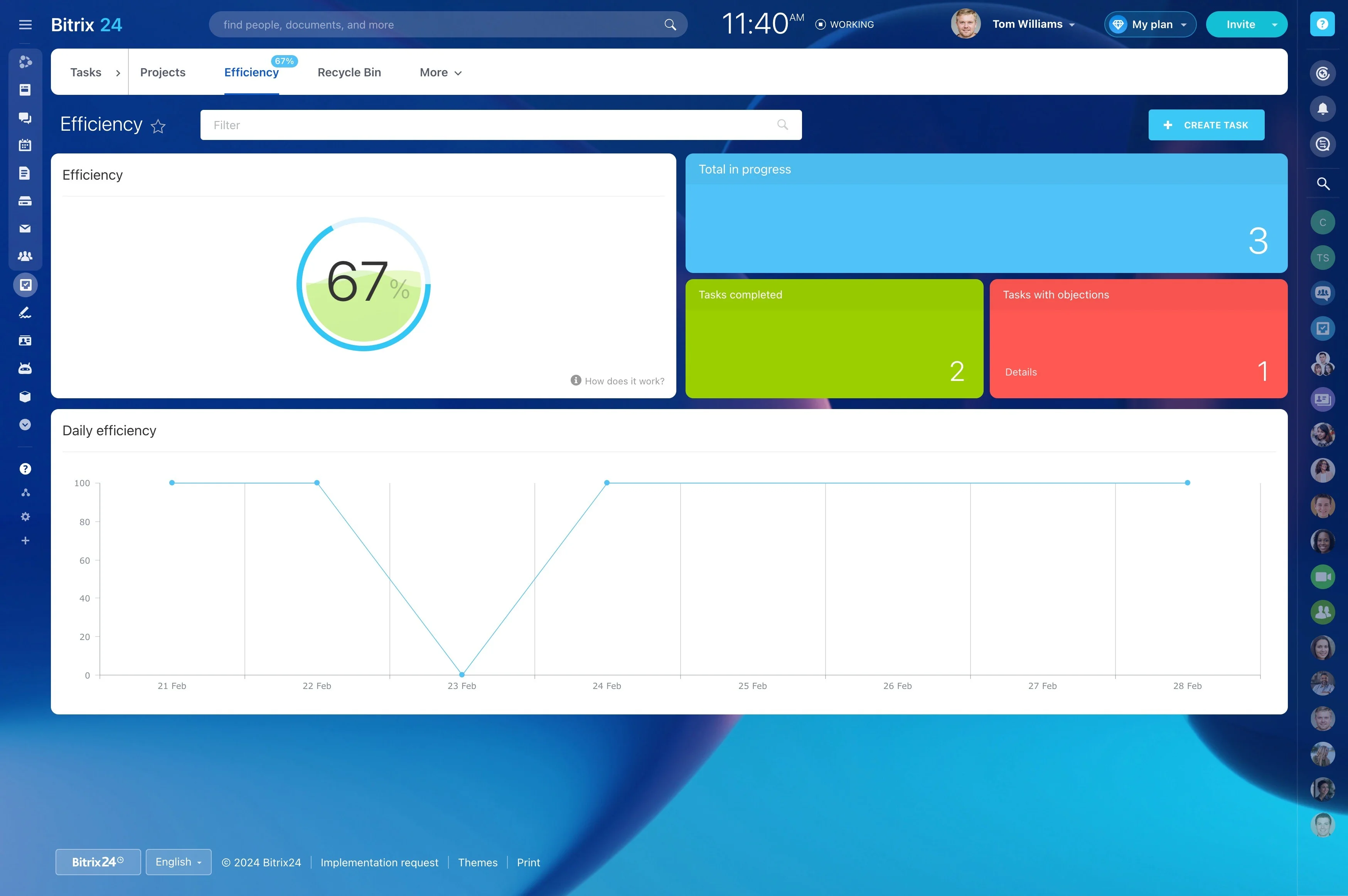
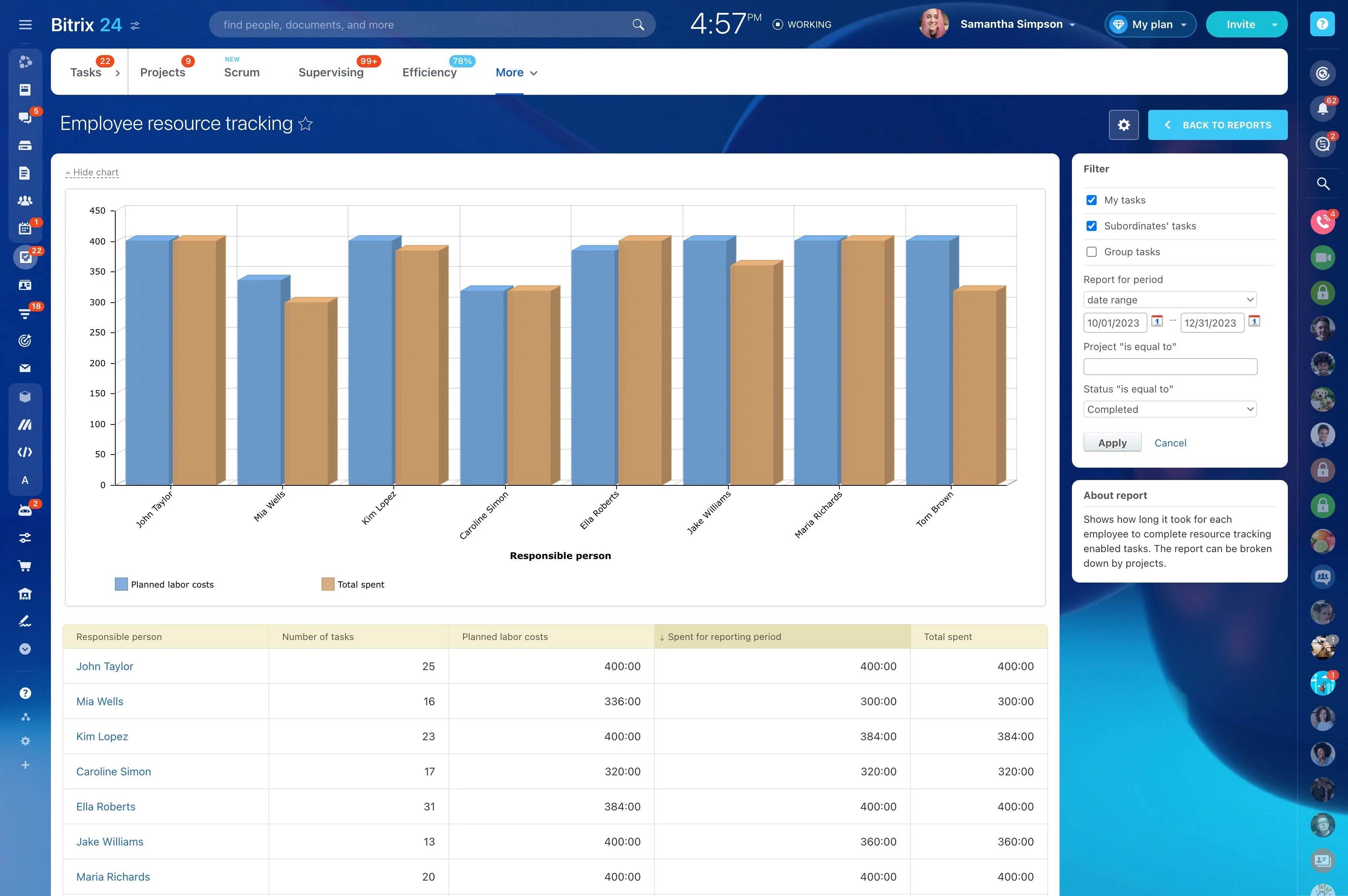
Workload reporting helps managers see how assignments are distributed across the team. Task-efficiency views add context by comparing planned and completed work, making it easier to discuss capacity, reassign tasks, or reschedule work during weekly planning.
Analyze project trends with BI Builder
BI Builder is useful when a standard report does not answer a more specific question. Managers can use it to examine patterns across projects, compare performance over time, or investigate where delays and workload changes recur.
Start with the decision you need to make, then choose the measures that can support it.
Build reporting into weekly project reviews
Reporting becomes more useful when it follows the project rhythm. Review dashboards in team meetings, use overdue-task reports for follow-up, and revisit workload indicators when planning the next stage.
This creates a repeatable way to guide decisions and keep project performance visible.